Why your converted sensitivity feels different: FOV, ADS, scopes
Updated October 13, 2026 · 5-minute read · 6 sections
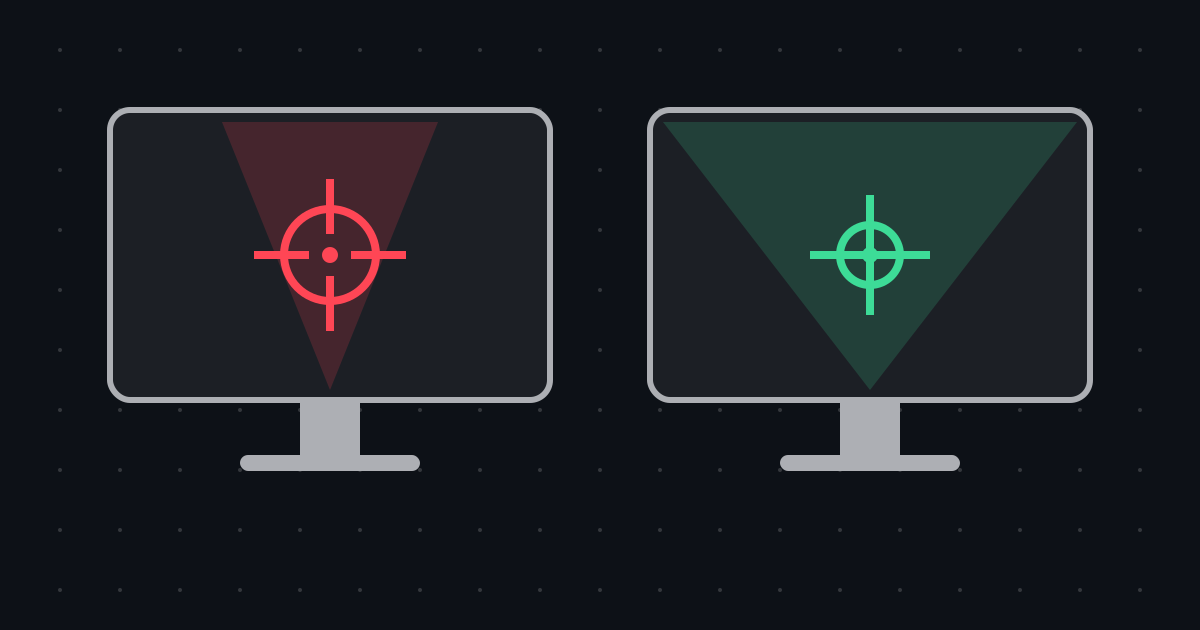
You converted carefully, the cm/360 matches to a tenth of a millimetre, and the first deathmatch still feels wrong. That is normal. A sensitivity conversion matches one thing, the hand distance for a full hipfire turn, and several other settings decide how that turn looks and feels.
What a conversion matches and what it does not
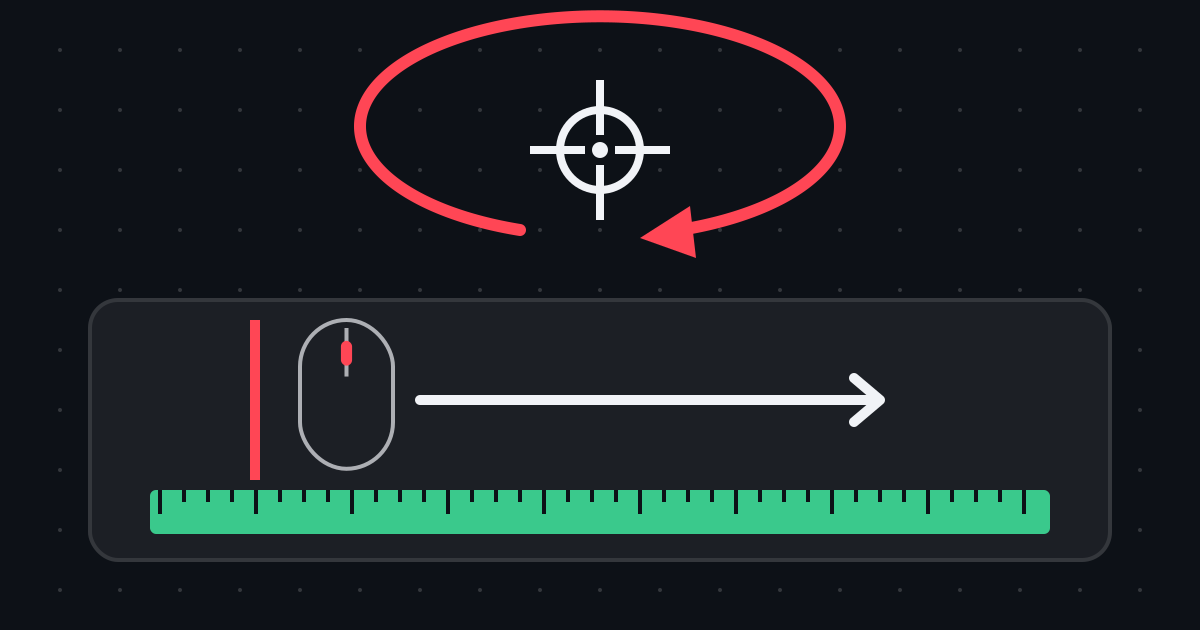
The sensitivity converter keeps cm/360 the same: 40.82 cm for a full turn in Valorant stays 40.82 cm in CS2. Flick to a target 90° to your side and your hand moves the same 10.2 cm in both games. What it does not match is the picture on the screen, your scoped or ADS sensitivity, and anything that bends the input on the way to the game.
| Cause | What changes | What to do |
|---|---|---|
| Field of view | How fast the image moves for the same turn | Give it a few sessions; judge by flicks, not by look |
| ADS / scope multiplier | Turn speed while aiming down sights | Set and test the ADS values separately |
| Mouse acceleration | Turn depends on hand speed | Turn it off in Windows and in the game |
| Raw input off | Windows pointer settings can leak in | Turn raw input on where offered |
| Wrong DPI | Everything is 2× or ½ | Check the active DPI stage in the mouse software |
| Monitor size and distance | How big the same angle looks | Expect a short adjustment when screens change |
Field of view: same turn, different screen speed
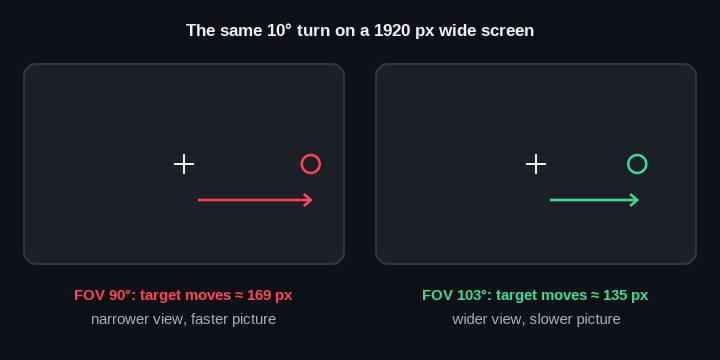
FOV is how wide a slice of the world fits on the screen. With a wider FOV, each degree of turning takes up fewer pixels in the middle of the screen, so the image seems to crawl. With a narrower FOV the same turn moves the picture more, and it seems fast.
Some numbers for a 1920-pixel-wide screen. Near the centre, pixels per degree ≈ (960 ÷ tan(FOV ÷ 2)) × π ÷ 180. At a horizontal FOV of 90° that is about 16.8 px per degree; at 103° it is about 13.3. So the same 1° of turning moves a target near your crosshair about 20 % less in the wider view. Your hand moved exactly the same, but your eyes report that the game got slower.
There are converters that match "screen distance" at a chosen point of the screen instead of the full turn. They make flicks to a target near the crosshair feel the same, at the cost of a different cm/360. I prefer matching cm/360 for hipfire, because full turns and big flicks are the movements your arm remembers. If a game lets you set the FOV, keep it fixed while you adapt; changing FOV and sens together hides which one fixed the feeling.
ADS and scope multipliers
Almost every shooter scales sensitivity when you aim down sights or scope in, and each one does it its own way. Call of Duty and Apex have ADS multipliers, Valorant has a scoped multiplier, Overwatch 2 has a relative aim setting for scoped heroes. Rainbow Six Siege keeps its ADS factor in GameSettings.ini as XFactorAiming, next to the same MouseSensitivityMultiplierUnit the converter uses for the exact hipfire value.
A hipfire conversion leaves all of that untouched, so a correct hipfire number with a default ADS multiplier often feels "off" the moment you right-click. Treat ADS as a second setting: start from the game's default multiplier, test it on a moving target at your usual engagement distance, and change it in small steps.
Acceleration, raw input and the DPI you think you have
Every conversion assumes that one count always turns your view by the same angle. Mouse acceleration breaks that: a fast flick turns further than a slow one over the same distance. Turn off "Enhance pointer precision" in Windows, turn off in-game acceleration, and enable raw input where the game has it.
Then check the DPI. Many mice have a DPI button and several stages, and a new mouse often starts at a higher stage than you used before. If the converted number feels exactly twice as fast or twice as slow, a DPI stage is the first suspect.
Monitor size, distance and plain habit
A bigger monitor at the same distance makes every angle look bigger, and so does sitting closer. Moving from a 24-inch screen to a 27-inch one at the same distance makes the same flick look larger even with identical settings. Nothing to convert here; just expect it.
The last part is habit. Your eyes learned a game's FOV, recoil, movement speed and hitboxes together with the sensitivity. For the first few sessions everything new feels like a sensitivity problem. In my experience most players who "fix" a correct conversion on day one end up back at the converted value a week later.
A checklist for testing a converted sensitivity
- Confirm the DPI in the mouse software, including which stage is active.
- Turn off acceleration in Windows and in the game; turn on raw input.
- Type the converted value. In Fortnite set X and Y to the same percentage; in Siege use the slider plus ini route if the slider is too coarse.
- Measure one full turn with tape and compare it with the cm/360 the converter shows. If it differs by more than a centimetre, something in steps 1–3 is off.
- Test a quarter turn: flick to a target exactly 90° away. Your hand should move a quarter of your cm/360.
- Play at least three normal sessions before you touch hipfire.
- Adjust ADS and scope multipliers separately, on moving targets.
- If hipfire still feels wrong after a week, change it in steps of about 5–10 % and note every value you try.
Want to understand the numbers behind your setup? See what a good cm/360 is and what eDPI tells you.
Quick answers
Does FOV change my cm/360?
No. A full turn takes the same hand distance at any FOV. FOV only changes how fast the image appears to move, especially near the crosshair.
Does a sensitivity converter match ADS or scoped sensitivity?
No, it matches hipfire. ADS and scope multipliers are separate settings in each game and need their own testing.
Why does my converted sens feel twice as fast?
Almost always a DPI mismatch: the mouse is on a different DPI stage than the one you entered. Check the active DPI in the mouse software.
How long should I test a new sensitivity?
Give it at least three normal sessions before changing hipfire, then adjust in steps of about 5 to 10 % if it still feels wrong.